Remote first
Move left or right, adjust lights, trigger photos, and start a scan from the Remote.
- OK
- Take a photo
- LEFT / RIGHT
- Turn the platform
- *
- Start or stop a scan
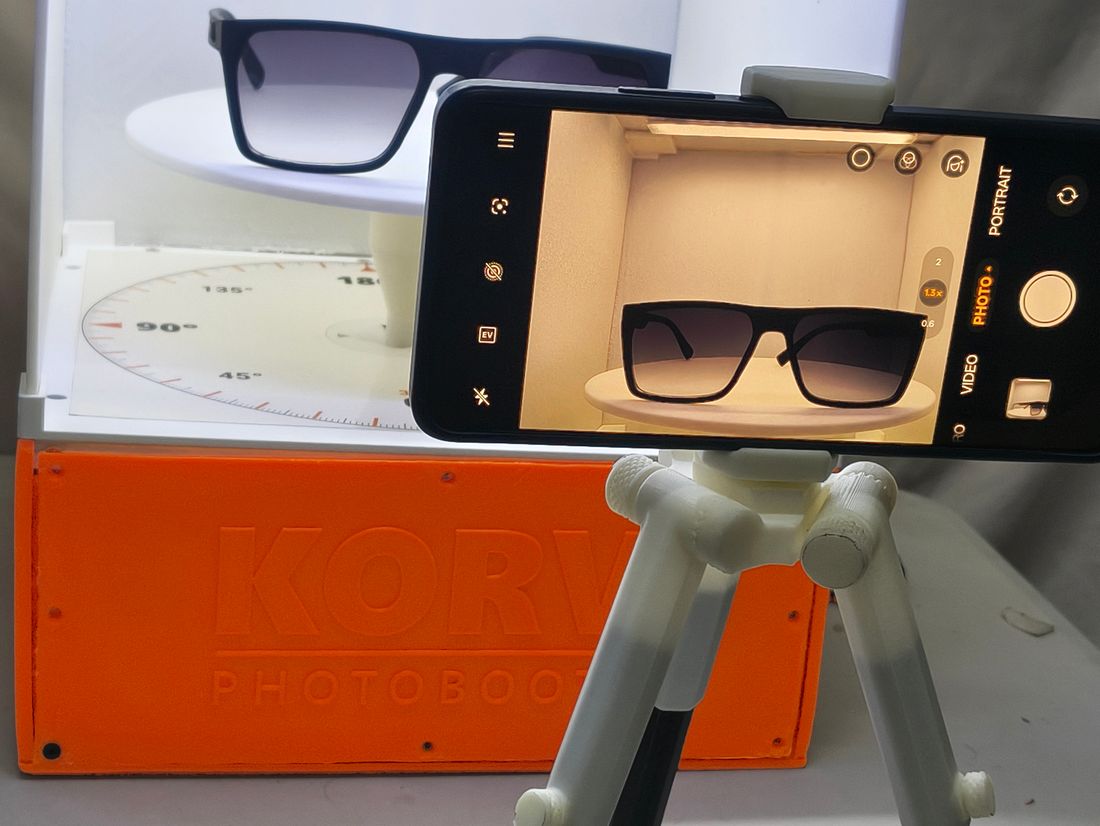
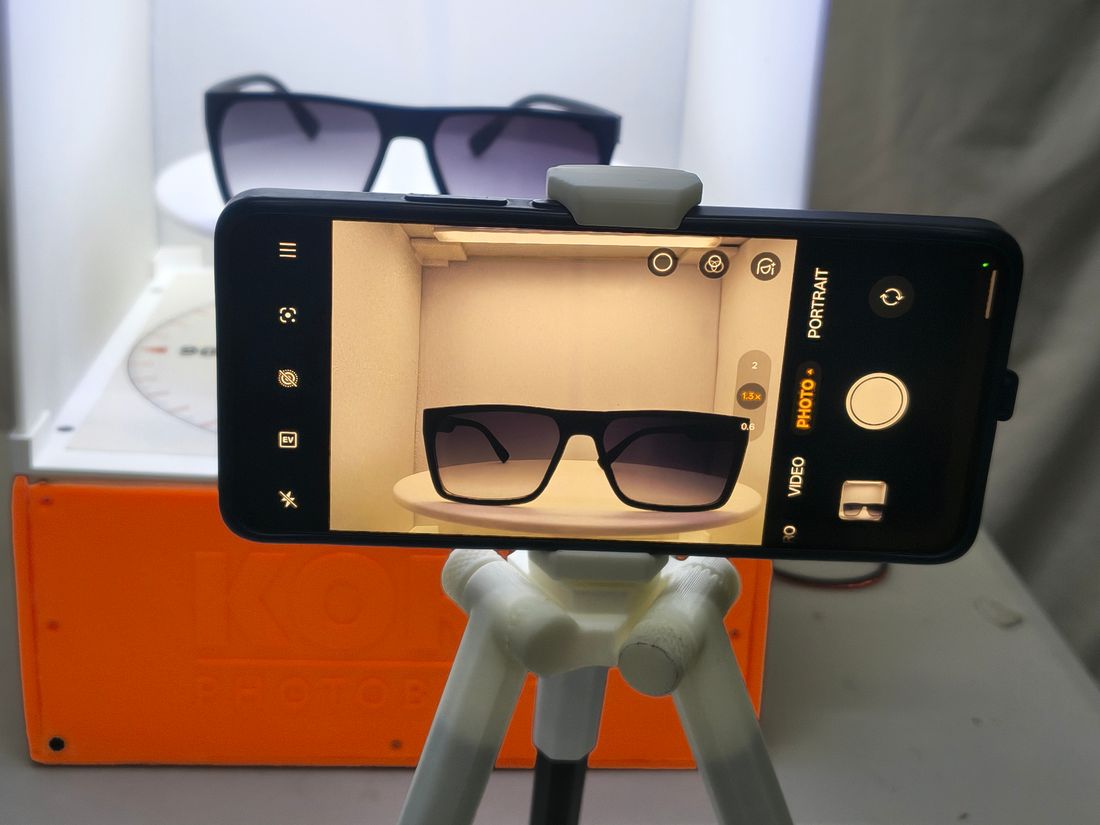
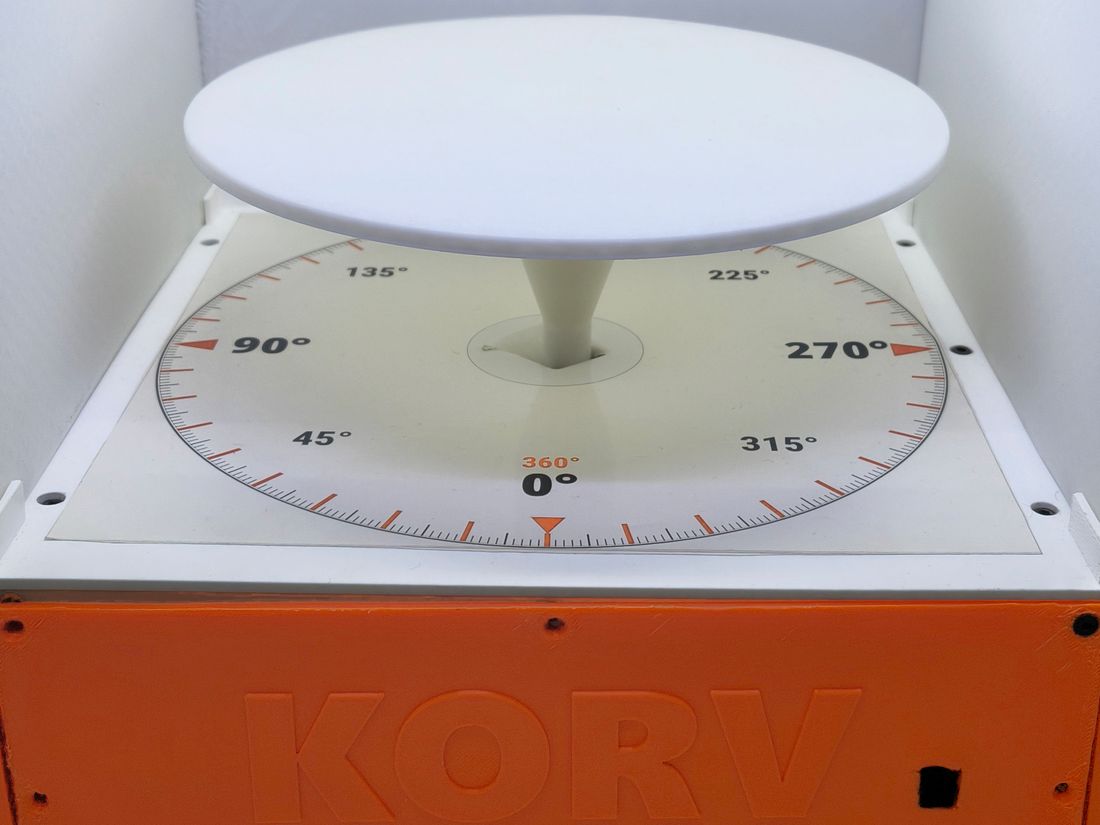
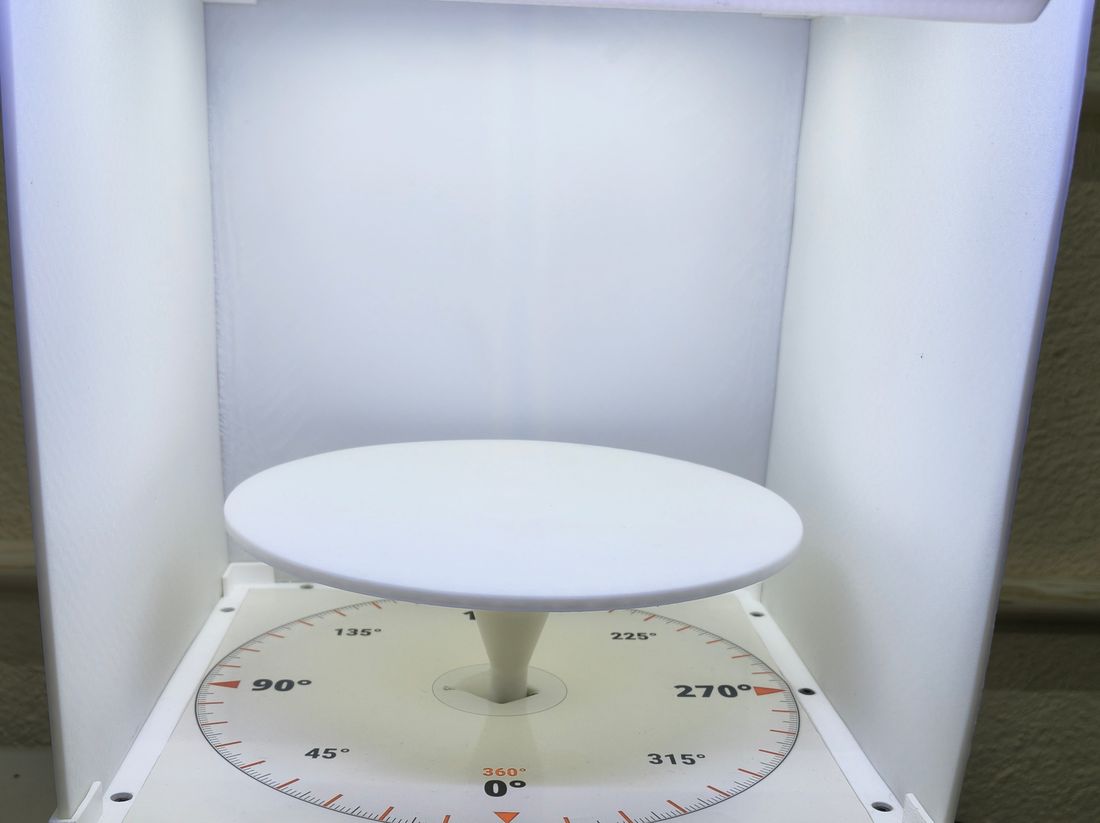
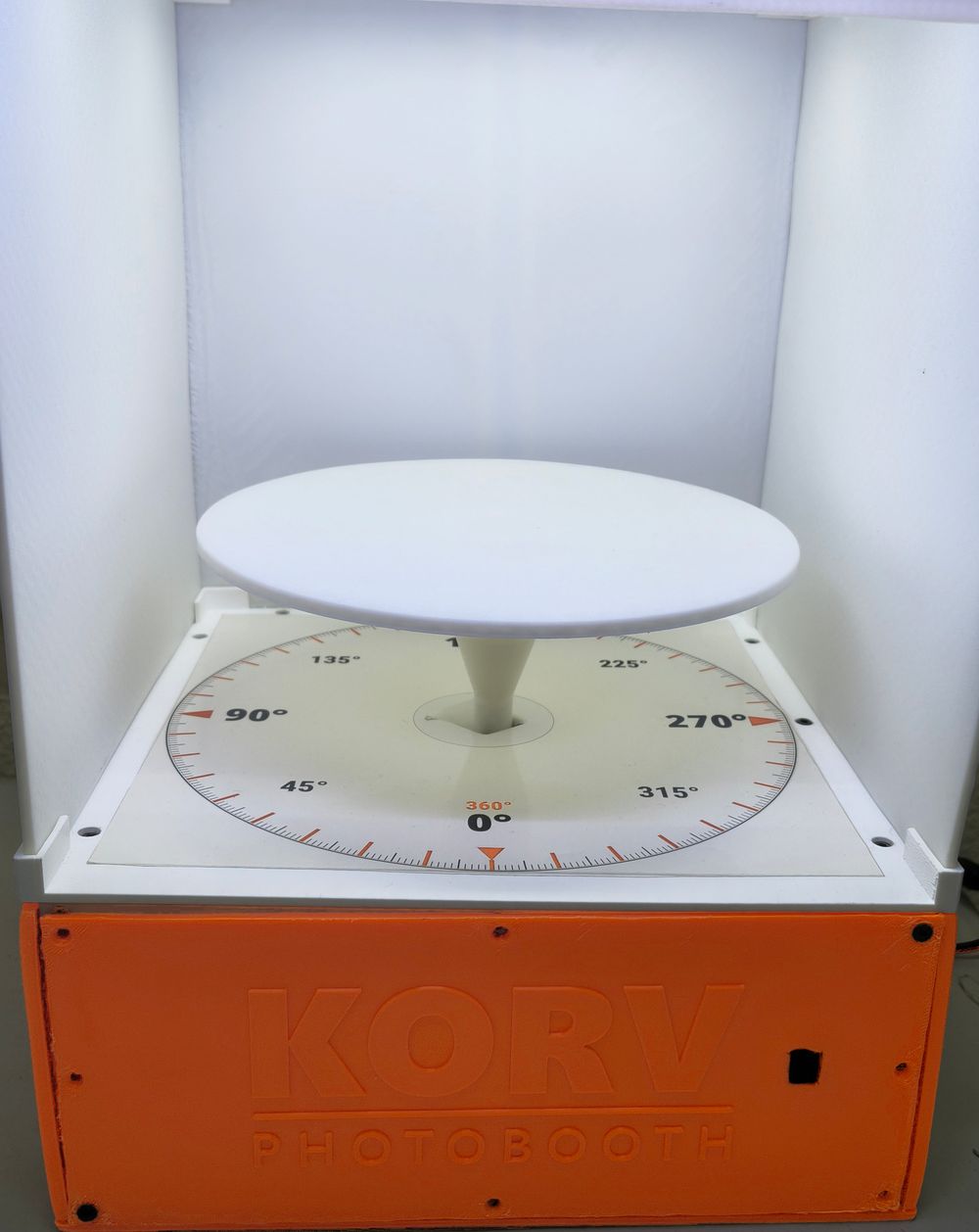
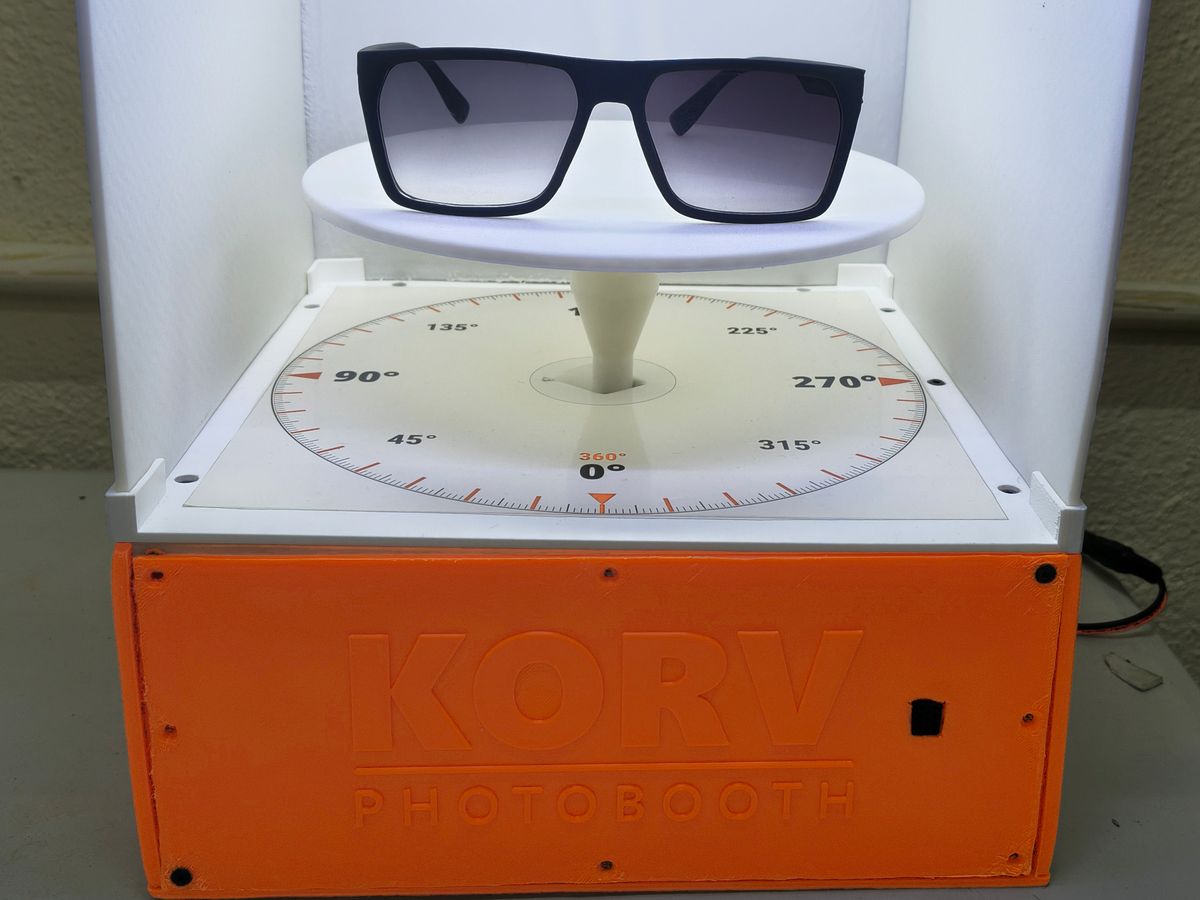
A compact rotating platform for photographing small products. Place your object, connect your phone, and control the turntable and camera with the Remote.
01 / 04 · How it works · Place
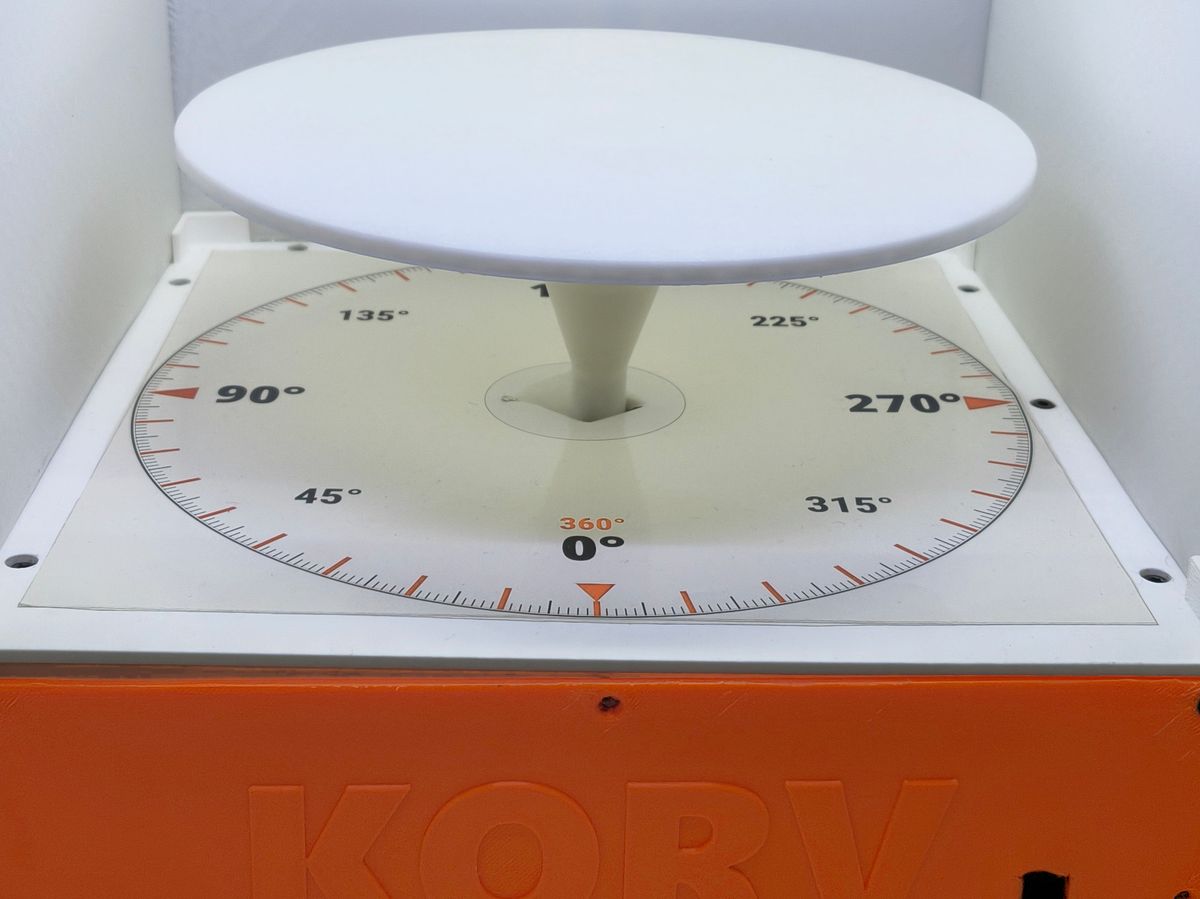
Center an object of up to 200 g on the 20 cm turntable.
02 / 04 · Connect
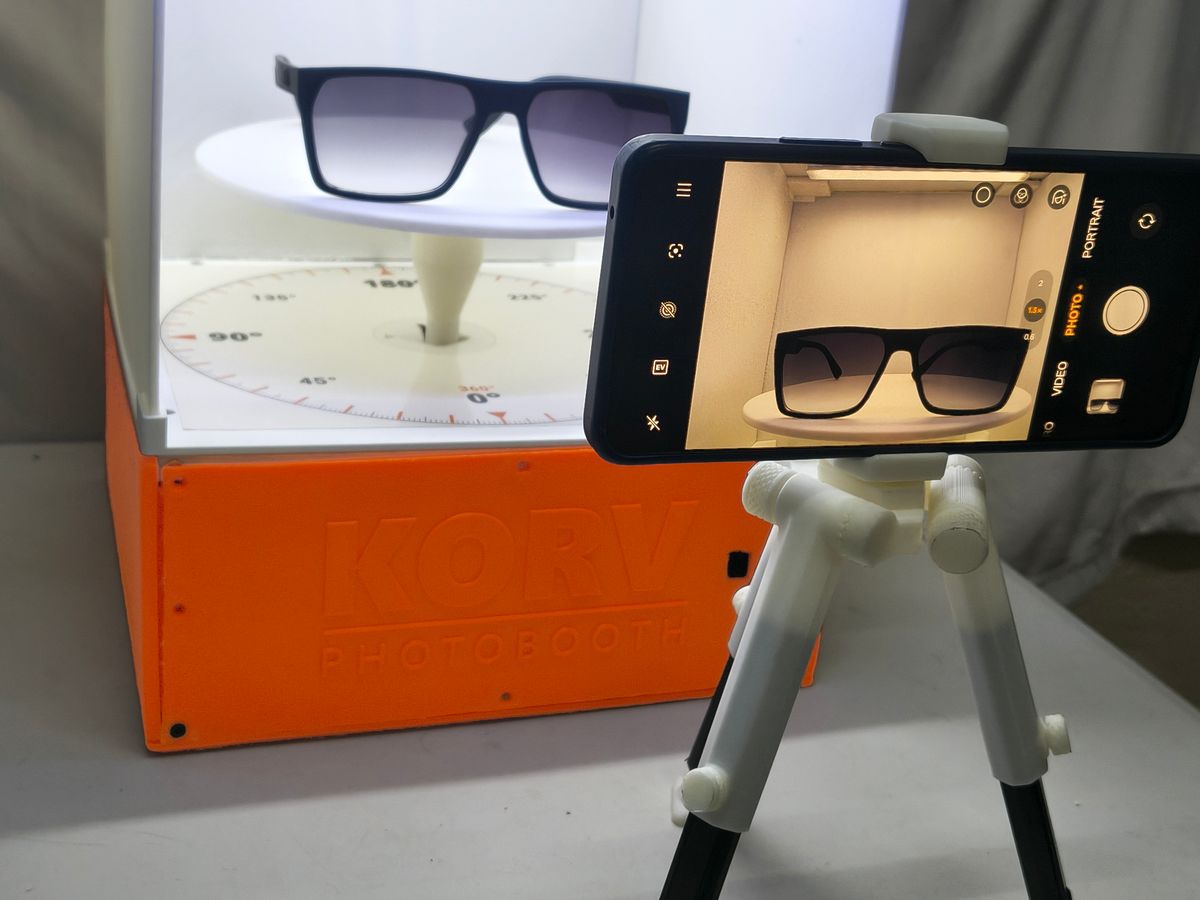
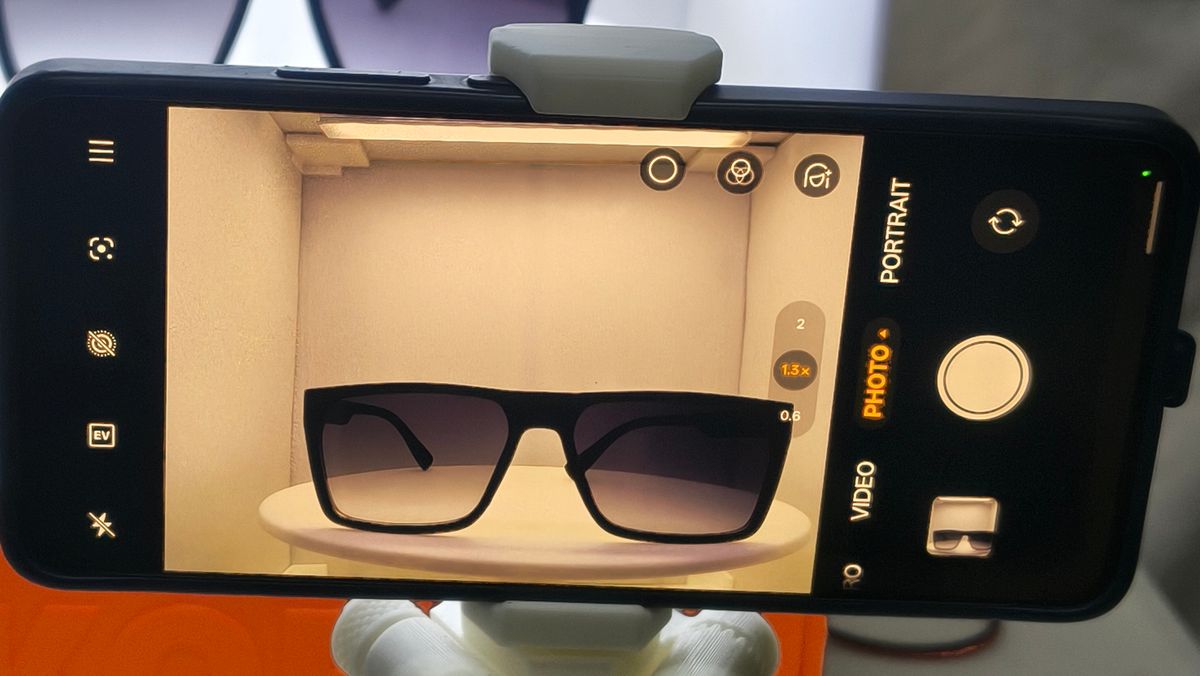
Pair your phone with Korv Photobooth and open its camera app.
03 / 04 · Choose
Use the Remote for one photo, a target angle, an automatic scan, or a guided sequence.
04 / 04 · Capture
Your phone takes the pictures while the platform positions the object.
Watch
The platform turns the object while your phone stays in place, so one setup sees every side.
Why Korv Photobooth
Guided sequence
Try it here. Each press does what the same key does on the Remote, and the platform returns to 0° when the third photo is done.
Press # to begin.
Press 0 to stop the sequence. The platform stays where it stops.
The Remote
Three ways to capture, and a handful of keys to learn.
Press OK on the Remote to take one picture.
Press * for four photos around one full turn.
Press # then OK to begin three angled photos.
OKTake a photo or advance the guided sequence
LEFT / RIGHTTurn the platform or choose an angle
UP / DOWNSwitch the front or back light on or off
*Start or stop the automatic scan
#Begin angle entry or the guided sequence
0Stop the current movement or sequence
Product details
A compact platform with simple Remote controls, flexible lighting, and guided photography with your phone.

Ready to use it?
Korv Booth Manual includes dimensions, photography options, and Remote controls.